Join the Apple Developer Program
Enroll at $99 per year. Individuals verify with an Apple ID; organizations need a D-U-N-S number. Enrollment can take 24–48 hours to approve.
Only enrolled accounts can distribute on the App Store, so start this early — it's the most common source of delay.
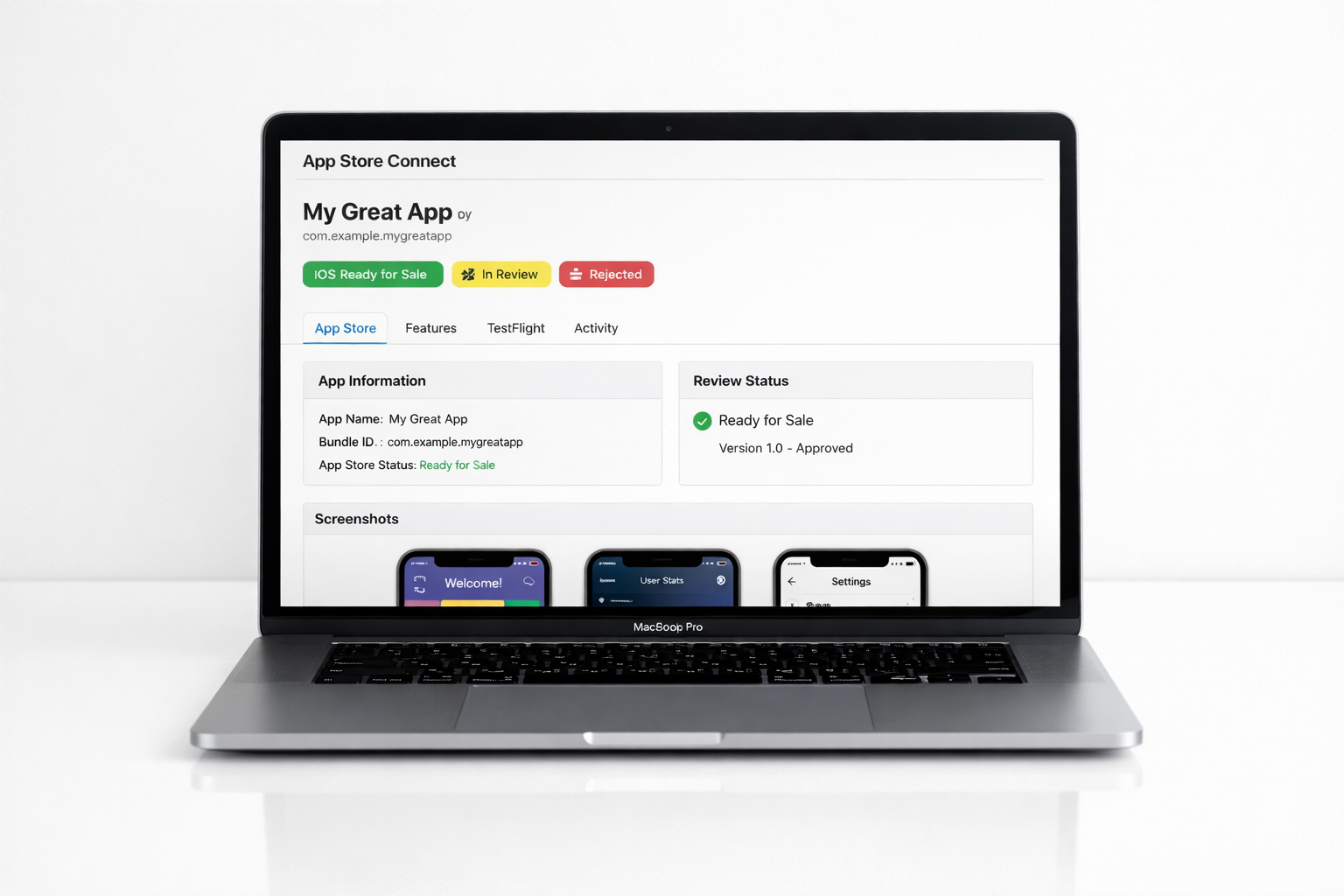
Create the app in App Store Connect
Register your bundle ID in the developer portal, then create a new app record in App Store Connect. Set the name, primary language, and category.
Choose your app name carefully — it must be unique across the entire store and is hard to change once approved.
Sign and archive the build
Apple requires code signing with a distribution certificate and a provisioning profile. Xcode's automatic signing handles this for most projects — just select your team.
Archive your app to produce an .ipa, then upload it to App Store Connect via Xcode or Transporter.
Test with TestFlight
Once your build finishes processing, add internal or external testers in TestFlight. External testing triggers a lightweight beta review that usually clears in a day.
Fix any crashes testers report before submitting for full review — crash-on-launch is a guaranteed rejection.
Complete the listing and privacy details
Add screenshots for the required device sizes, a description, keywords, a support URL, and a privacy policy URL. Fill in the App Privacy "Nutrition Label" — every data type you collect and how it's used.
Complete the age rating questionnaire and export-compliance answers. Inaccurate privacy answers are a frequent rejection reason.
Meet the review guidelines
The most common rejections to avoid:
- → Broken links, placeholder content, or incomplete features (Guideline 2.1).
- → Requiring login for content that doesn't need an account (5.1.1).
- → Selling digital goods without Apple in-app purchase (3.1.1).
- → Missing account deletion for apps that allow account creation (5.1.1v).
- → Too little functionality — a repackaged website won't pass (4.2).
Submit for review
Attach your build, add review notes (with a demo login if needed), and submit. Most reviews complete within 24–48 hours. If rejected, read the Resolution Center message, fix the issue, and resubmit — you can also reply or appeal.
Once approved, release manually or automatically. Congratulations — you're live on the App Store.
Now publish on Android →