Define the app in one sentence
Before touching a tool, write a single sentence describing what your app does and for whom. "A running tracker that shares routes with friends." This becomes your prompt seed and keeps scope tight.
List the three screens a first-time user must see. Anything beyond those three is version two. AI builders reward tight scope with cleaner output.
Pick an AI platform
There are three broad categories. Choose based on how much code you want to own.
AI app builders
Describe the app in plain language and get a full project. Best for speed and non-coders. You export a native or cross-platform build.
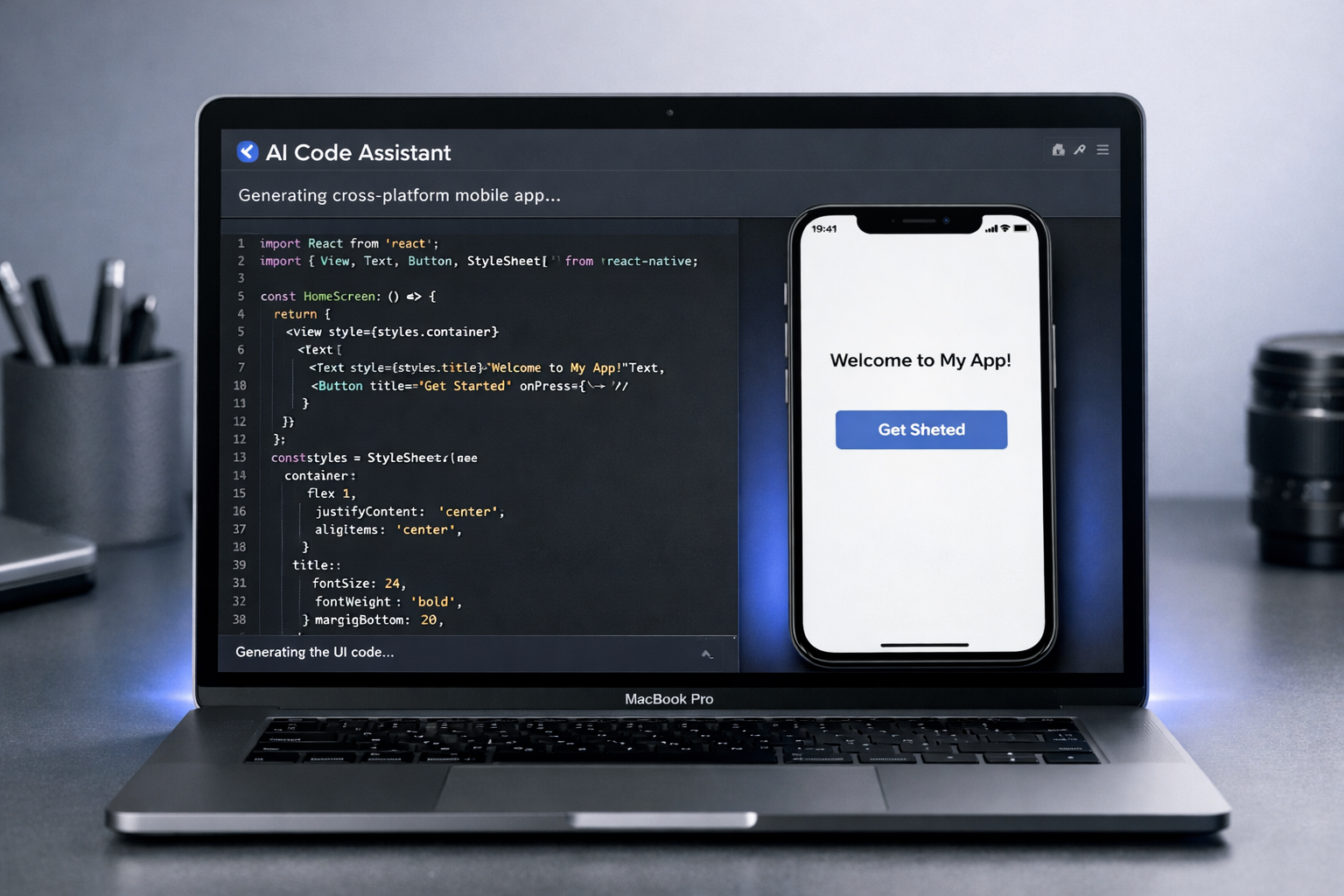
AI code assistants
Pair with a coding agent inside a real project. Best when you want full control of a cross-platform framework like React Native or Flutter.
No-code + AI backends
Visual editors that generate data models, auth, and APIs from prompts. Best for data-heavy apps without heavy custom logic.
Prototype the core flows
Ask the AI to generate your three key screens and the navigation between them. Click through the prototype as a real user would and note anything confusing.
Iterate with specific feedback: "Move the primary button below the fold" beats "make it better." Small, concrete prompts produce reliable changes.
Generate the cross-platform build
Target both platforms from one codebase. Confirm the output uses a framework that compiles to both iOS and Android, and that you can produce an .ipa for Apple and an .aab for Google.
Set your app's bundle ID (iOS) and application ID (Android) now — they are permanent and must be unique across each store.
Add data, auth, and integrations
Wire up the backend the AI generated, or connect a managed one. Keep API keys and secrets out of the client — route sensitive calls through a server or proxy.
If you collect any personal data, document exactly what and why now. You will need this for both store privacy disclosures later.
Test on real devices
Emulators lie. Install the build on at least one physical iPhone and one Android phone. Check permissions, offline behavior, and how the app handles slow networks.
Use TestFlight for iOS and Play Console internal testing for Android to get the app onto testers' phones before public release.
Prepare for release
Produce a signed release build for each store, capture screenshots at the required sizes, and write your app name, subtitle, and description. Then follow the store guides.